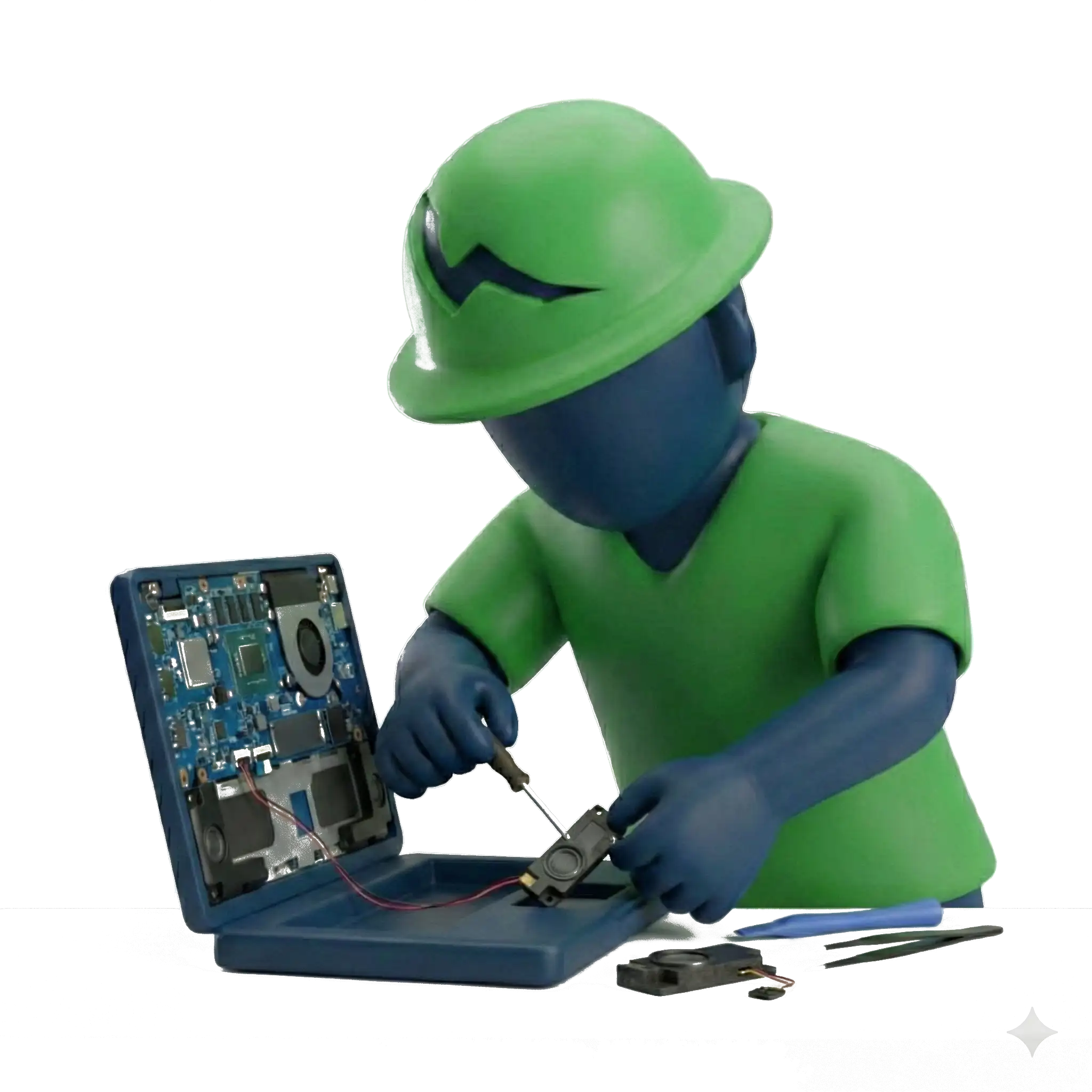
Laptop Battery Replacement Cost in India

Door Step Service @199


Free Pickup & Drop At Home

Lowest Price Garanteed

Free Diagnostics @ NSS Store

"*" indicates required fields

4000+ Reviews*
0 /5.0
Happy Customer
0 +

Laptop Battery Price, Replacement Charges & Professional Installation

A laptop battery that drains quickly, fails to charge or causes unexpected shutdowns can affect your everyday work. NSS Laptop Service Center provides laptop battery diagnosis and replacement support for compatible laptop models.

The cost of replacing a laptop battery depends on its type, capacity, laptop model, design and availability. Whether your laptop uses a removable battery or an internally fitted battery, checking the correct specifications is essential before replacement.

Get your laptop battery assessed, understand the replacement options and review the applicable estimate before approving the service.

How Much Does Laptop Battery Replacement Cost in India?

Laptop battery replacement cost in India varies according to battery type, capacity, laptop design and component availability. Over time, lithium-ion batteries lose their ability to hold charge. This can lead to reduced backup, unexpected shutdowns and charging problems.

Replacing a degraded battery may be more practical than repeatedly adjusting power settings or attempting temporary fixes. However, the charging adapter, charging port and power circuit should also be checked when the symptoms indicate a possible power-related fault.

The replacement estimate may include battery diagnosis, a compatible battery, professional installation and charging performance testing. The exact inclusions and applicable warranty should be confirmed before the replacement is approved.

Estimated Laptop Battery Replacement Cost in India

Battery Type Approximate Cost Range
Standard laptop battery (removable) ₹1,800 – ₹3,500
Internal laptop battery (non-removable) ₹3,000 – ₹6,500
High-capacity / long-life battery ₹4,500 – ₹9,000
Premium / ultra-thin laptop battery ₹6,000 – ₹12,000

Prices are indicative. The final cost depends on the exact laptop model, battery specifications, compatibility, availability and installation requirements.

Factors That Affect Laptop Battery Replacement Cost

Laptop batteries are not universal components. Different models use different battery capacities, connectors, dimensions and electrical specifications. These differences influence the final replacement price.

Battery Type: Removable batteries are generally easier to access, while internal batteries require the laptop to be opened for installation. This can affect labour and installation charges.

Battery Capacity (mAh / Wh): Battery capacity is measured in milliamp-hours (mAh) or watt-hours (Wh). Higher-capacity batteries may offer longer backup, but the replacement must match the laptop’s supported specifications.

Laptop Design: Slim, compact and premium laptops may use model-specific batteries. Their physical design and installation requirements can affect component cost.

Compatibility and Availability: The replacement battery must match the laptop’s model and technical requirements. Batteries for older, discontinued or less common models may be harder to source.

Installation Complexity: Internal battery replacement may require careful disassembly, disconnecting internal components and testing after installation. The process varies by laptop design.

Understanding these factors helps explain why two laptops from the same brand can have different battery replacement costs.

Battery Replacement vs Battery Optimization – Cost Logic

What Is Included in Laptop Battery Replacement Service?

A replacement may be recommended when:

  • Battery backup has reduced significantly despite normal usage.
  • The laptop shuts down unexpectedly even when the battery indicator shows remaining charge.
  • The battery is swollen or physically damaged.
  • The operating system no longer detects the battery.
  • The battery cannot hold a useful charge.
  • Battery health reports show substantial deterioration in full-charge capacity.

When Battery Optimization May Be Enough

Battery optimization may help when:

  • Background applications are consuming excessive power.
  • Screen brightness and power settings are reducing battery backup.
  • Software or driver issues are affecting battery reporting.
  • Unnecessary applications are running while the laptop is idle.
  • Power management settings need adjustment.

If the battery itself has degraded, optimization cannot restore its original physical capacity. If the battery is healthy and the issue is related to software or usage, optimization may be sufficient. A proper assessment helps avoid unnecessary replacement.

Factor Battery Replacement Battery Optimisation
Main purpose Replace a degraded or faulty battery Improve power usage and settings
Suitable for Worn-out, damaged or failing batteries Software and usage-related drain
Component required Compatible replacement battery Usually no battery replacement
Cost Depends on battery and installation Depends on diagnosis and service
Expected result Restores battery functionality if the battery was the cause May improve backup when the battery itself is healthy

The correct option should be selected after checking battery health and the charging system.

What Is Included in Laptop Battery Replacement Service?

A laptop battery replacement involves more than simply installing a new component. The battery must be compatible with the laptop’s specifications and tested after installation.

A typical replacement process may include:

  • Battery Health Diagnosis: Checking battery condition and identifying whether the battery is responsible for the reported issue.
  • Charging System Assessment: Checking the adapter, charging port and related power symptoms where required.
  • Battery Compatibility Check: Verifying the battery part number, capacity, voltage and connector requirements.
  • Compatible Battery Installation: Removing the old battery and installing a suitable replacement.
  • Charging and Performance Testing: Checking charging functionality and battery operation after installation.
  • Warranty Information: Explaining the applicable replacement warranty, coverage and exclusions before approval.

The exact inclusions and charges depend on the laptop model, replacement component and applicable service terms.

Laptop Battery Replacement for Major Laptop Brands

We provide laptop battery diagnosis and replacement assistance for selected models from major laptop manufacturers. Since battery specifications differ between models, the exact laptop model number is required to check compatibility, availability and estimated replacement cost.

Brand Disclaimer: We are an independent third-party repair provider and are not affiliated with, authorised by or endorsed by Dell, HP, Lenovo, Acer, ASUS, Apple, Microsoft or any other manufacturer.

Supported brand enquiries include:

Support is provided regardless of usage category, ensuring compatibility with a wide range of laptop brands.

Laptop Battery Replacement Near Me – Check Service Availability

Looking for laptop battery replacement near you? We accept enquiries for battery diagnosis and replacement across multiple locations in India. Whether you use your laptop at home, in an office or while travelling, a faulty battery can make everyday work difficult.

Service availability depends on your location, laptop model, battery compatibility and component availability. Pickup and delivery support may also be available in selected areas, subject to appointment and service terms.

Share your PIN code, laptop brand and exact model to check the available replacement options and estimated cost.

Why Choose NSS for Battery Replacement

Choosing the right replacement battery is important for reliable laptop operation and long-term usability. Our approach focuses on identifying the actual problem, checking component compatibility and explaining the estimated cost before proceeding.

  • Battery Diagnosis Before Replacement: Assess the battery and related charging components before recommending a replacement.
  • No Unnecessary Replacements: Identify whether the issue is caused by battery degradation, software settings or another power-related fault.
  • Clear Cost Estimates: Understand the applicable battery and installation charges before approving the work.
  • Compatibility Assessment: Check the battery specifications against the exact laptop model.
  • Safe Battery Handling: Follow appropriate handling procedures for lithium-ion batteries, especially when they are swollen or physically damaged.
  • Post-Replacement Testing: Check charging and battery operation after installation.
  • Warranty Clarity: Understand the applicable warranty coverage and exclusions for the replacement component.

Our focus is on battery safety, cost transparency and selecting a suitable replacement for your laptop.

Stop Paying More for Less. Choose NSS Laptop Service Center

Authorise Serviced Center

NSS Laptop Service

Why Our Customer Recommend Us

Trustindex verifies that the original source of the review is Google.
I am pleased to say that they efficiently resolved the motherboard issue with my Xiaomi laptop. The professionalism and pricing were commendable. Highly recommended for reliable laptop repairs. Thankyou so much😇
Posted on Google Google
Saima profile picture
Saima
Trustindex verifies that the original source of the review is Google.
Excellent services
Posted on Google Google
Sunil Kumar profile picture
Sunil Kumar
Trustindex verifies that the original source of the review is Google.
Very fast and reliable service. The device agent Shivam was very knowledgeable and patient. Good service.
Posted on Google Google
rakshith manaloor profile picture
rakshith manaloor
Trustindex verifies that the original source of the review is Google.
Excellent Service
Posted on Google Google
sandeep rawat profile picture
sandeep rawat
Trustindex verifies that the original source of the review is Google.
I called them for my gaming laptop thermal paste replacement, they used the best thermal paste available i recommend this because if you go to official service centre they will use cheap paste that will dry in just a month
Posted on Google Google
Rakesh Goyal profile picture
Rakesh Goyal
Trustindex verifies that the original source of the review is Google.
Good Service And Support Replacement of Microsoft surface Battery 1796 really good Service And Affordable price thanku team
Posted on Google Google
Rama kanth profile picture
Rama kanth
Trustindex verifies that the original source of the review is Google.
Great service experience from highly skilled resources like Shivam Chauhan Best about support is that the team is fixing issue at door step Highly recommend
Posted on Google Google
Rajan Pandey profile picture
Rajan Pandey

Focused FAQs

What is the average lifespan of a laptop battery?
Most laptop batteries gradually lose capacity with regular charging and usage. Their lifespan depends on battery quality, temperature, charging habits and usage patterns. Reduced backup over time may indicate that the battery needs assessment.
How can I find the correct replacement battery for my laptop?
Check your laptop's exact model number and existing battery specifications. Battery part number, voltage, capacity and connector compatibility should be verified before purchasing a replacement.
Is it cheaper to replace a laptop battery or buy a new laptop?
Battery replacement is generally more economical when the laptop is otherwise functioning properly. However, if the laptop has multiple hardware problems or is nearing the end of its useful life, compare the total repair cost with the price of a replacement device.
Can I install a new laptop battery myself?
Some laptops have removable batteries that are designed for user replacement. Internal batteries require opening the laptop and handling internal connectors carefully. Professional installation is advisable when the battery is internally fitted.
Why does my laptop battery drain even when the laptop is switched off?
Possible reasons include standby power consumption, connected devices, background power features, battery deterioration or system settings. If the drain is excessive, battery health and power management should be checked.
Can I use a higher mAh battery in my laptop?
Only if the replacement battery is compatible with the laptop's electrical specifications, physical dimensions and connector. A higher capacity rating alone does not guarantee compatibility.
Does a laptop battery lose capacity if it remains unused?
Yes. Lithium-ion batteries naturally lose some capacity over time, even when not regularly used. Storage temperature and charge level can influence the rate of degradation.
Why does my laptop battery stop charging at 80%?
Some laptops have battery conservation or charging-limit settings designed to reduce battery wear. If charging stops at a fixed percentage, check the manufacturer's battery management settings before assuming the battery is faulty.
Does a laptop battery need calibration after replacement?
Some laptop models may benefit from following the manufacturer's battery setup or calibration guidance. However, calibration does not repair a defective battery or increase its physical capacity
Can a laptop battery affect laptop performance?
A degraded battery or power-related fault can sometimes affect system power behaviour. However, slow performance can also be caused by storage, memory, software or thermal issues and needs separate diagnosis.
What happens if I use an incompatible laptop battery?
An incompatible battery may not fit correctly, charge properly or communicate with the laptop's power management system. It can also create electrical and safety risks. Always verify compatibility before installation.
How do I know whether the problem is with my laptop battery or charger?
If the laptop does not charge, the fault may involve the battery, adapter, charging port or motherboard. Testing the adapter and assessing battery health can help identify the source of the problem.
Should I replace a swollen laptop battery immediately?
A swollen battery is a potential safety hazard. Stop using the laptop, disconnect the charger if safe, and arrange professional inspection. Do not press, puncture or attempt to flatten the battery.

Our Works Covered in Media

Free Pickup & Drop At Home

Lowest Price Garanteed

Free Diagnostics @ NSS Store

"*" indicates required fields

4000+ Reviews*
0 /5.0
Happy Customer
0 +

"*" indicates required fields